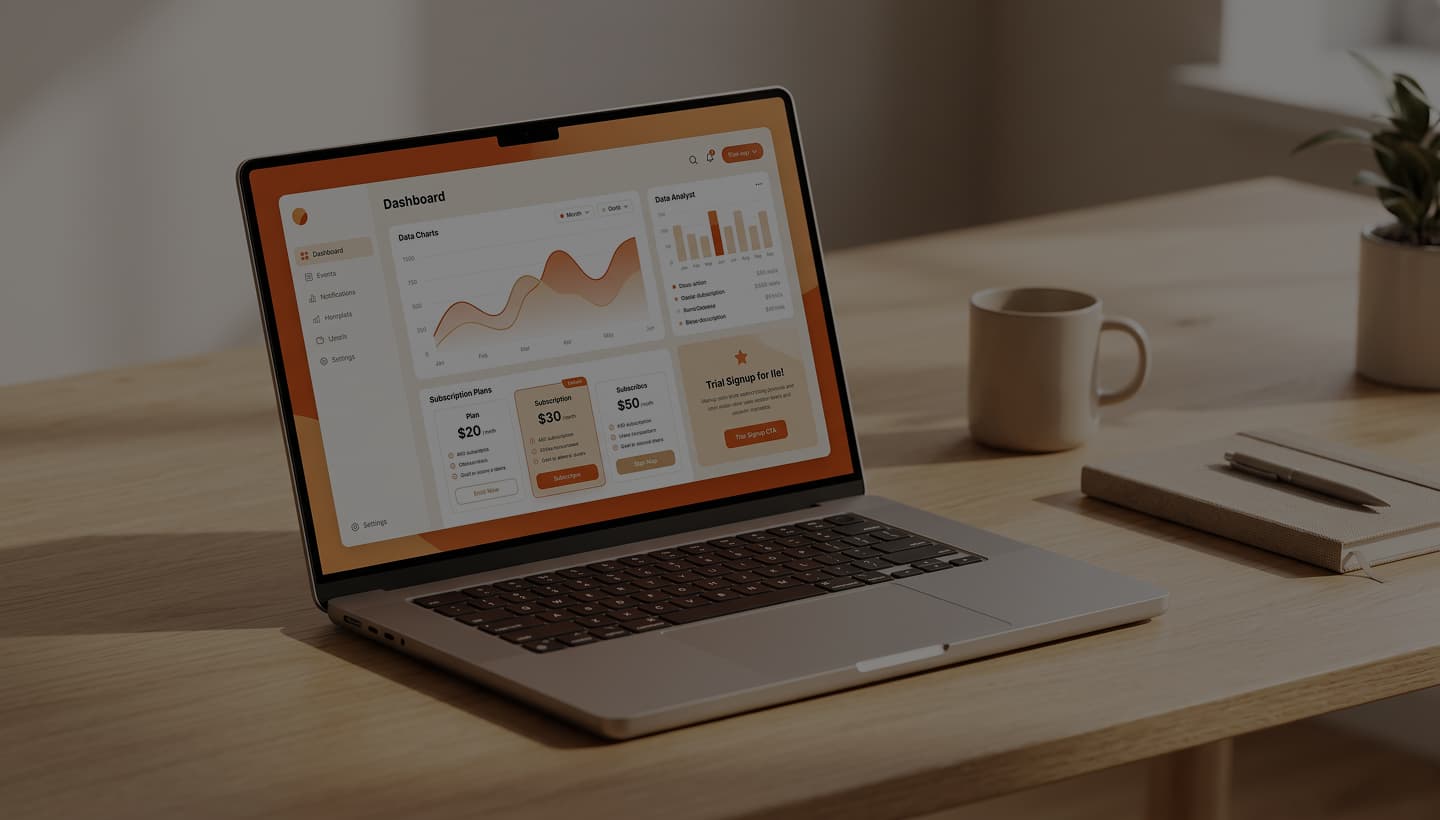
A SaaS UX audit from UX Audit Tool reviews your public website for usability issues that could make potential customers hesitate, from unclear homepage messaging to confusing pricing and signup forms. Run a free audit in minutes and get practical recommendations for what to fix first.






Trusted by 2,500+ Businesses
You've got a product, a landing page, and a Product Hunt launch next month. Good time to catch the obvious stuff.
Traffic's up. Demo requests aren't. Somewhere between the pricing page and the "Book a demo" form, people are slipping away.
When the free trial is the whole sales funnel, every extra field on the signup form costs you. UX for SaaS at this stage is mostly about getting out of the way.
Running paid campaigns? You need landing pages that turn those clicks into trials. A homepage with 14 links on it won't do that.
A good SaaS product can still struggle to win signups if its website leaves buyers with unanswered questions. This free audit is designed for teams that want to spot potential friction before investing more in traffic or campaigns.
You've got a product, a landing page, and a Product Hunt launch next month. Good time to catch the obvious stuff.
Traffic's up. Demo requests aren't. Somewhere between the pricing page and the "Book a demo" form, people are slipping away.
When the free trial is the whole sales funnel, every extra field on the signup form costs you. UX for SaaS at this stage is mostly about getting out of the way.
Running paid campaigns? You need landing pages that turn those clicks into trials. A homepage with 14 links on it won't do that.
“The all-in-one platform for modern teams.” Sounds impressive, but can a first-time visitor tell what your product actually does?

Visitors don't always encounter a technical error when a website falls short. Sometimes, the message is unclear, the pricing is difficult to compare, or the next step isn't obvious.
“The all-in-one platform for modern teams.” Sounds impressive, but can a first-time visitor tell what your product actually does?
Can a first-time visitor quickly understand what your product does, who it's for, and why it might be useful? Vague headlines and unclear value propositions can leave buyers guessing.
Are your plans easy to compare? Check plan names, feature tables, billing options, and calls to action for potential sources of confusion.
Look at the information you request, how clearly errors are explained, and whether visitors know what happens after they submit the form.
Can buyers find customer examples, relevant testimonials, security information, and other evidence that helps them evaluate your product?
Check whether navigation, pricing tables, buttons, and forms remain usable on smaller screens, especially for visitors arriving from ads, social posts, or emails.
Can prospective customers find documentation, supported integrations, and technical details before making a decision?
Review visible accessibility considerations such as text contrast, form labels, and keyboard usability where the audit supports these checks. SaaS companies serving US government or enterprise buyers may also need to assess applicable accessibility requirements, including WCAG and Section 508.
Scope note: This audit covers publicly accessible website pages, not the product experience behind a login. For in-app onboarding, dashboards, and SaaS interface design, talk to our team.
The audit reviews your public SaaS website for usability issues that could make it harder for visitors to understand your product, compare plans, or take the next step.
Can a first-time visitor quickly understand what your product does, who it's for, and why it might be useful? Vague headlines and unclear value propositions can leave buyers guessing.
Are your plans easy to compare? Check plan names, feature tables, billing options, and calls to action for potential sources of confusion.
Look at the information you request, how clearly errors are explained, and whether visitors know what happens after they submit the form.
Can buyers find customer examples, relevant testimonials, security information, and other evidence that helps them evaluate your product?
Check whether navigation, pricing tables, buttons, and forms remain usable on smaller screens, especially for visitors arriving from ads, social posts, or emails.
Can prospective customers find documentation, supported integrations, and technical details before making a decision?
Review visible accessibility considerations such as text contrast, form labels, and keyboard usability where the audit supports these checks. SaaS companies serving US government or enterprise buyers may also need to assess applicable accessibility requirements, including WCAG and Section 508.
Scope note: This audit covers publicly accessible website pages, not the product experience behind a login. For in-app onboarding, dashboards, and SaaS interface design, talk to our team.
If the page asks people to start a trial, book a demo and read your blog, it's asking too much.
The ad promised "invoices sent in 5 minutes." The headline should say the same thing.
A short quote or a row of logos right beside the CTA works harder than a testimonial carousel at the bottom of the page.
Paid social traffic tends to arrive on phones. A page that crawls wastes the click before anyone reads a word.
Landing page optimization for SaaS means shaping one page around one offer, usually a free trial or a demo, so the visitors you paid for actually sign up. Here's what the audit looks for on each one.
If the page asks people to start a trial, book a demo and read your blog, it's asking too much.
The ad promised "invoices sent in 5 minutes." The headline should say the same thing.
A short quote or a row of logos right beside the CTA works harder than a testimonial carousel at the bottom of the page.
Paid social traffic tends to arrive on phones. A page that crawls wastes the click before anyone reads a word.
No tool needed for these. If two or more fail, a full audit will probably turn up plenty more.
Could a friend outside tech repeat it back to you? If not, it's too vague.
Can you compare plans without pinching and zooming?
Anything you don't need before someone tries the product can wait.
What happens after you hit submit? If the answer is "a thank-you page," add a calendar.
Try reaching it from the homepage in two clicks. Enterprise buyers will.
No tool needed for these. If two or more fail, a full audit will probably turn up plenty more.
Could a friend outside tech repeat it back to you? If not, it's too vague.
Can you compare plans without pinching and zooming?
Anything you don't need before someone tries the product can wait.
What happens after you hit submit? If the answer is "a thank-you page," add a calendar.
Try reaching it from the homepage in two clicks. Enterprise buyers will.
01
Your homepage, your pricing page, or a landing page from last week's campaign. No login, no setup.
02
It goes through your pages the way a buyer would, and notes every spot where someone might hesitate.
03
Issues ranked by impact, each with a practical fix. Hand it to your designer, or knock out the quick wins yourself.
01
Your homepage, your pricing page, or a landing page from last week's campaign. No login, no setup.
02
It goes through your pages the way a buyer would, and notes every spot where someone might hesitate.
03
Issues ranked by impact, each with a practical fix. Hand it to your designer, or knock out the quick wins yourself.
Shows you the drop-off.
312 people left the pricing page this week. It can't tell you why.
Shows you the behavior.
You can watch someone scroll past your plans and leave. Spotting a pattern takes hours of recordings, and enough traffic for it to mean anything.
Shows you the likely reason and what to fix first.
It works on day one, even with tiny traffic. It won't count visitors or record sessions, so keep your analytics for that.
GA4 tells you where people drop off. Recordings show you how they behave. Run UX Audit Tool first to find out why, then use the other two to check the fix worked.
You probably have analytics running already. Here's where an audit fits in, and why conversion rate optimization for SaaS tends to need both.
Shows you the drop-off.
312 people left the pricing page this week. It can't tell you why.
Shows you the behavior.
You can watch someone scroll past your plans and leave. Spotting a pattern takes hours of recordings, and enough traffic for it to mean anything.
Shows you the likely reason and what to fix first.
It works on day one, even with tiny traffic. It won't count visitors or record sessions, so keep your analytics for that.
GA4 tells you where people drop off. Recordings show you how they behave. Run UX Audit Tool first to find out why, then use the other two to check the fix worked.
New to UX audits? Our website UX audit guide covers the basics.
No credit card. No trial that quietly turns into a paid plan.
Quicker than booking a consultant. You'll see the findings today, not next sprint.
Founders and marketers can read it without needing a glossary.
Know which pages are leaking before you spend a whole quarter A/B testing the wrong ones.
Run a SaaS UX audit before the ad budget goes live. It's free, and it might save you a month of expensive clicks.
New to UX audits? Our website UX audit guide covers the basics.
Know which pages are leaking before you spend a whole quarter A/B testing the wrong ones.
Founders and marketers can read it without needing a glossary.
Quicker than booking a consultant. You'll see the findings today, not next sprint.
No credit card. No trial that quietly turns into a paid plan.
Run a SaaS UX audit before the ad budget goes live. It's free, and it might save you a month of expensive clicks.
Short answers for founders and growth teams.
A review of how easily buyers move through your website, from the first visit to a signup or demo request. It flags what's confusing them and tells you what to fix first.
 Still have a question? Talk to our team.